
Web Administrator
Why does a web interface get its own page?
Mirth and its derivatives including Open Integration Engine have always required the use of a java tool to administer the server and the process to run that tool was this:
- Install an Administration Tool Launcher which is not the administrator.
- The launcher brings its own Java runtime or you can use yours if yours has JavaFX.
- The launcher downloads the administrator which is close to 90 MB.
- The administrator opens and you log in.
With the web administrator, you open a browser and log in.
Open Integration Engine can be administered from a browser and the plugins you install work in both the browser and the desktop administrator from one install.
A sampling of extra features
- Command palette
- Press Cmd-K or Ctrl-K to jump to any view, channel, or command from anywhere.
- Content compare
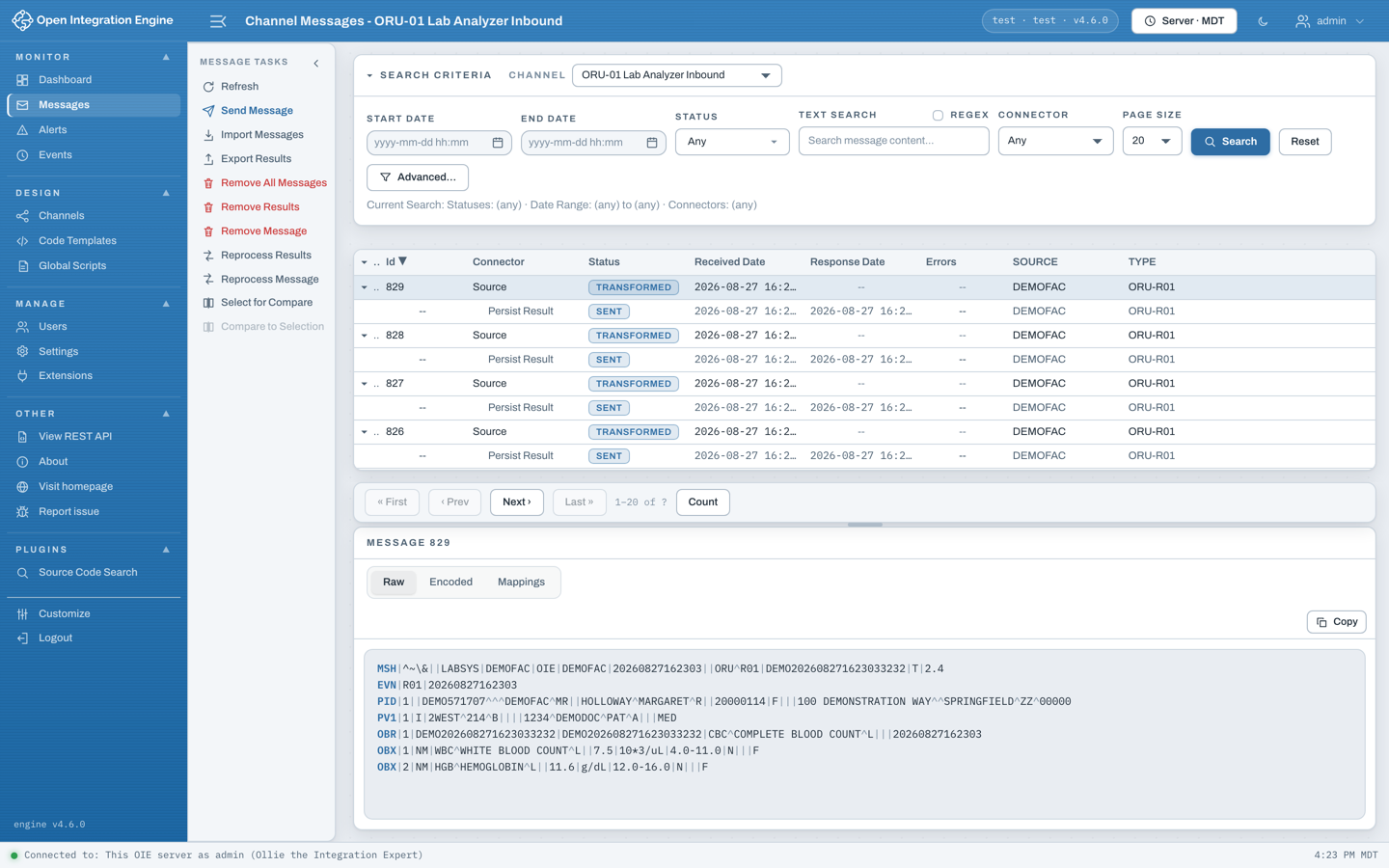
- Compare any two pieces of stored message content side by side in a diff viewer.
- Card dashboard
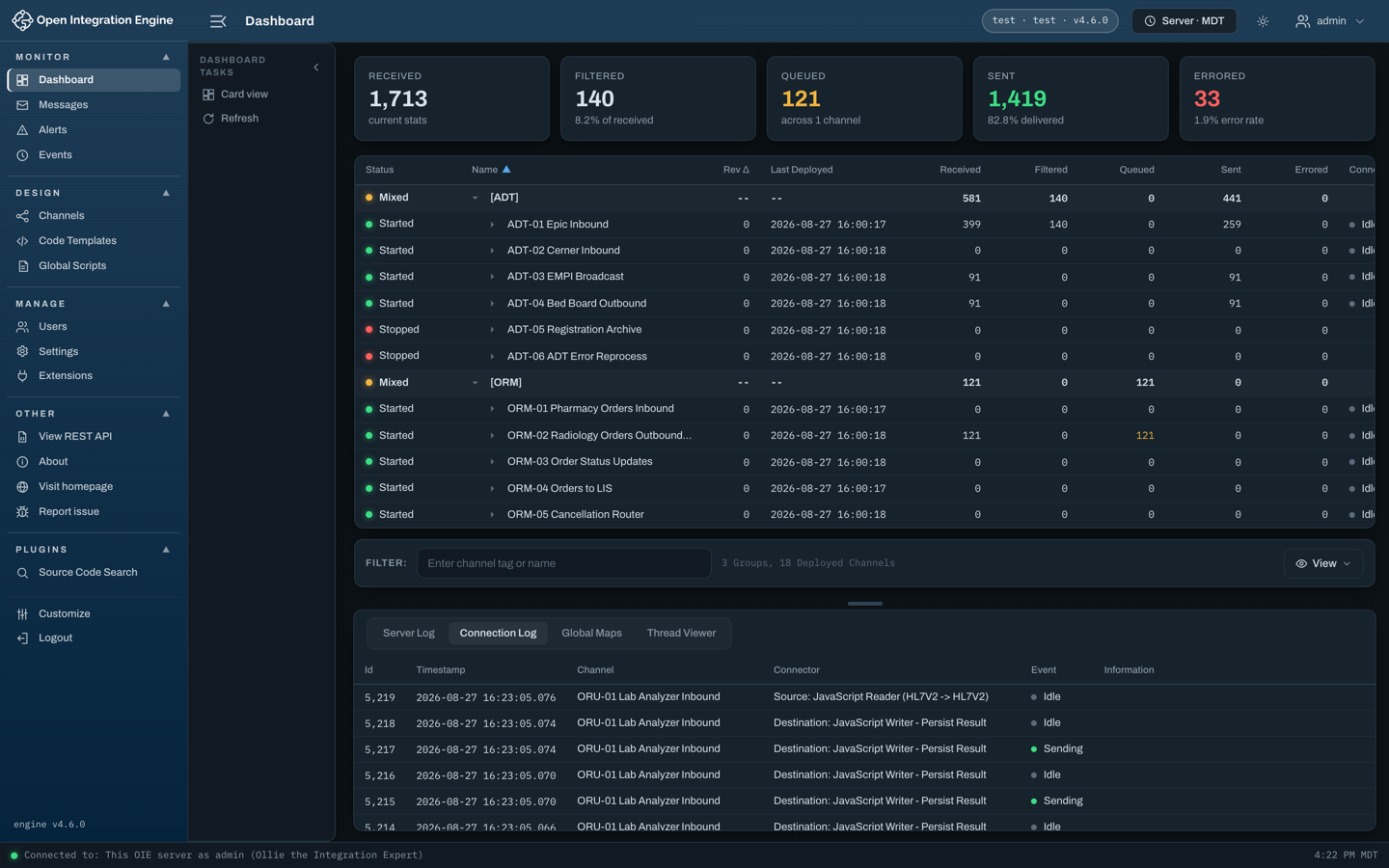
- A card view of the dashboard as an alternative to the status table, grouped by channel group, tag, or state.
- Guided builders
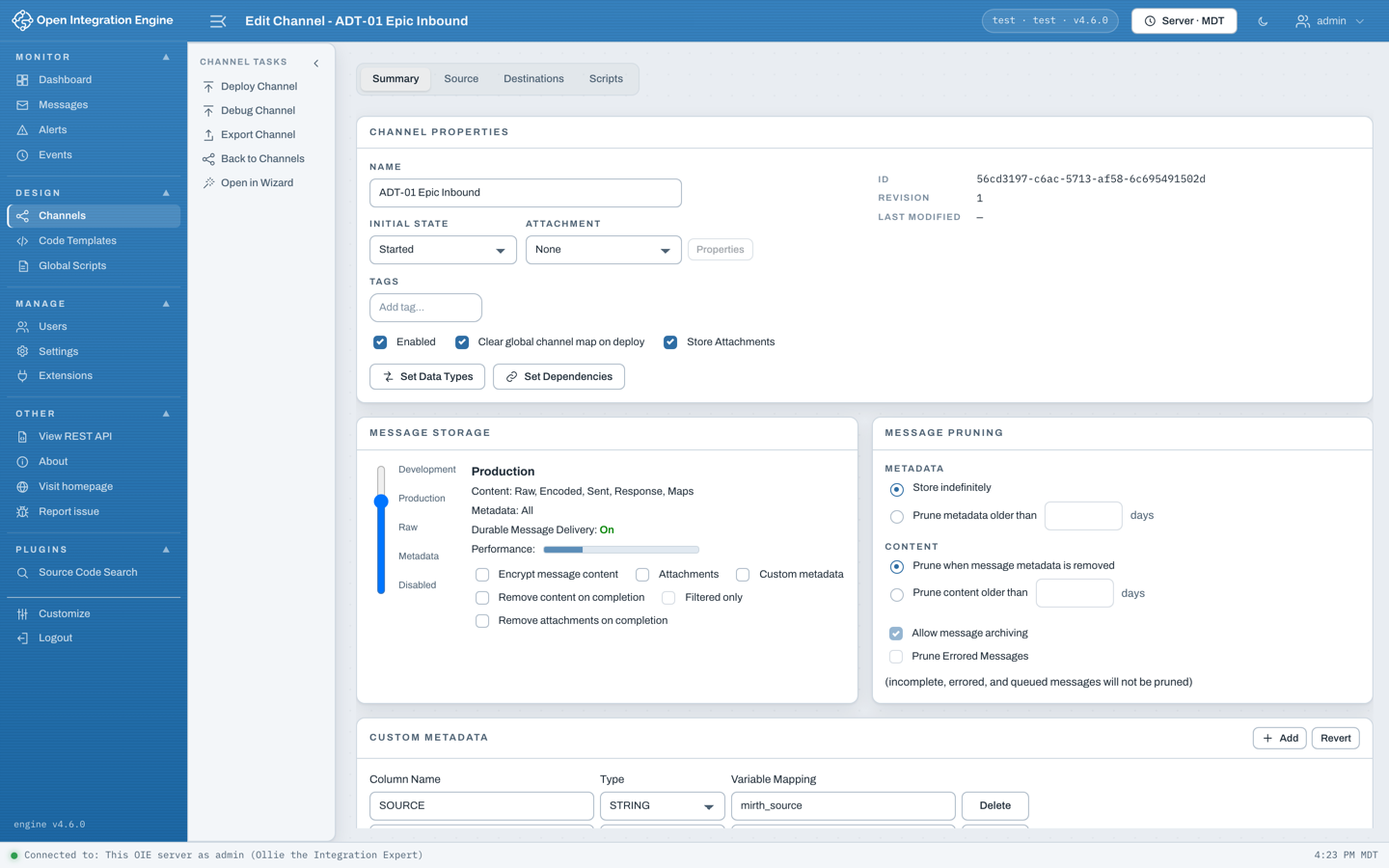
- Step-by-step wizards for building a channel or an alert, as an alternative to the classic editors.
- Linkable views
- Every view has a real URL, so you can bookmark a channel editor or paste a link to it for a colleague.
- Time zones
- Switch every timestamp between the engine's time zone, your own, and UTC.
- Highlighted content
- Message content is syntax highlighted, and hovering an HL7 field tells you what it is.
- Script editor
- A modern code editor for scripts, with autocompletion and find and replace.
- Any device
- Works on any device with a browser, including a tablet or a workstation you can't install software on.
- One engine or many
- Install it into a single engine, or run one copy that fronts all of your engines and pick which one at login.
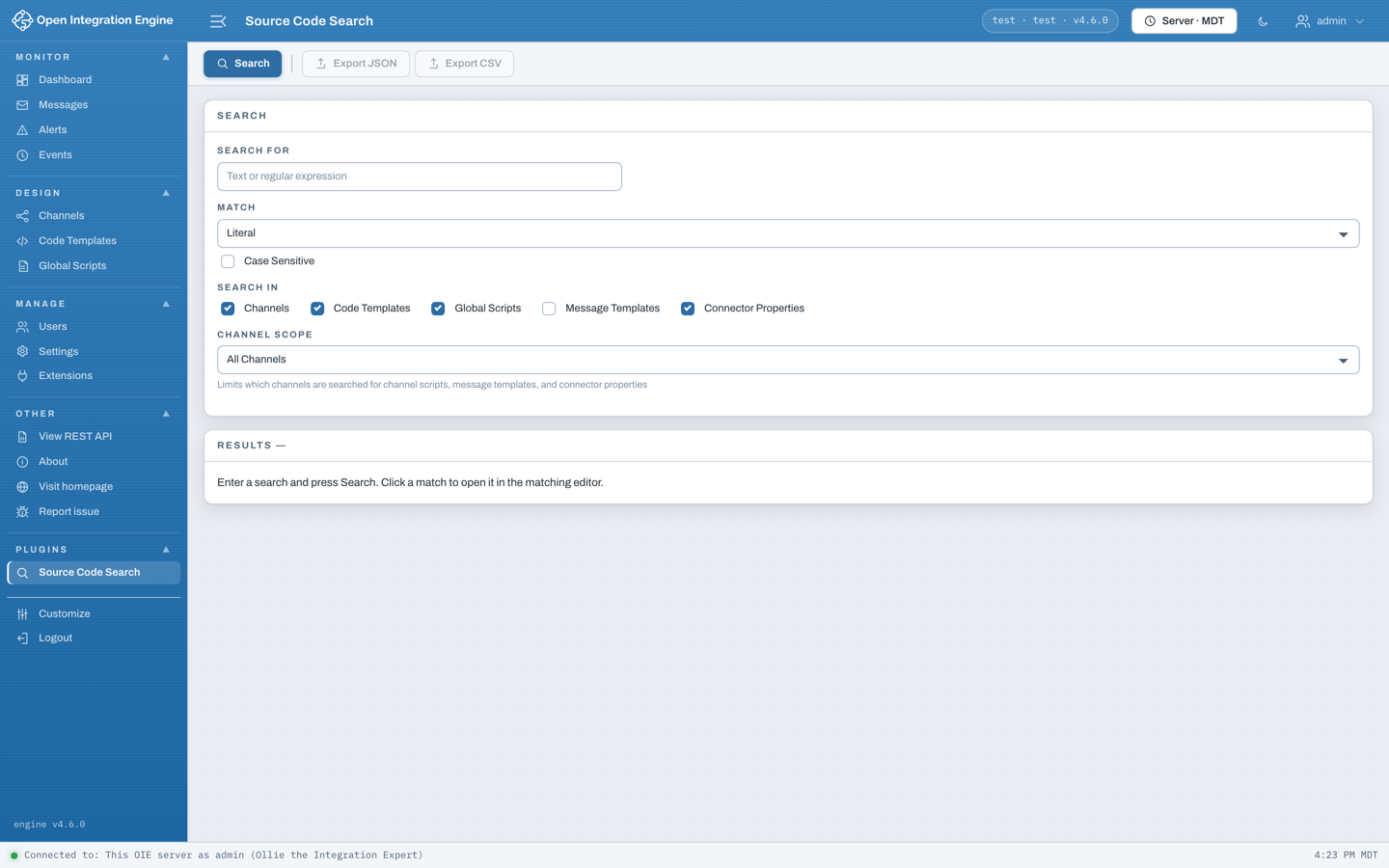
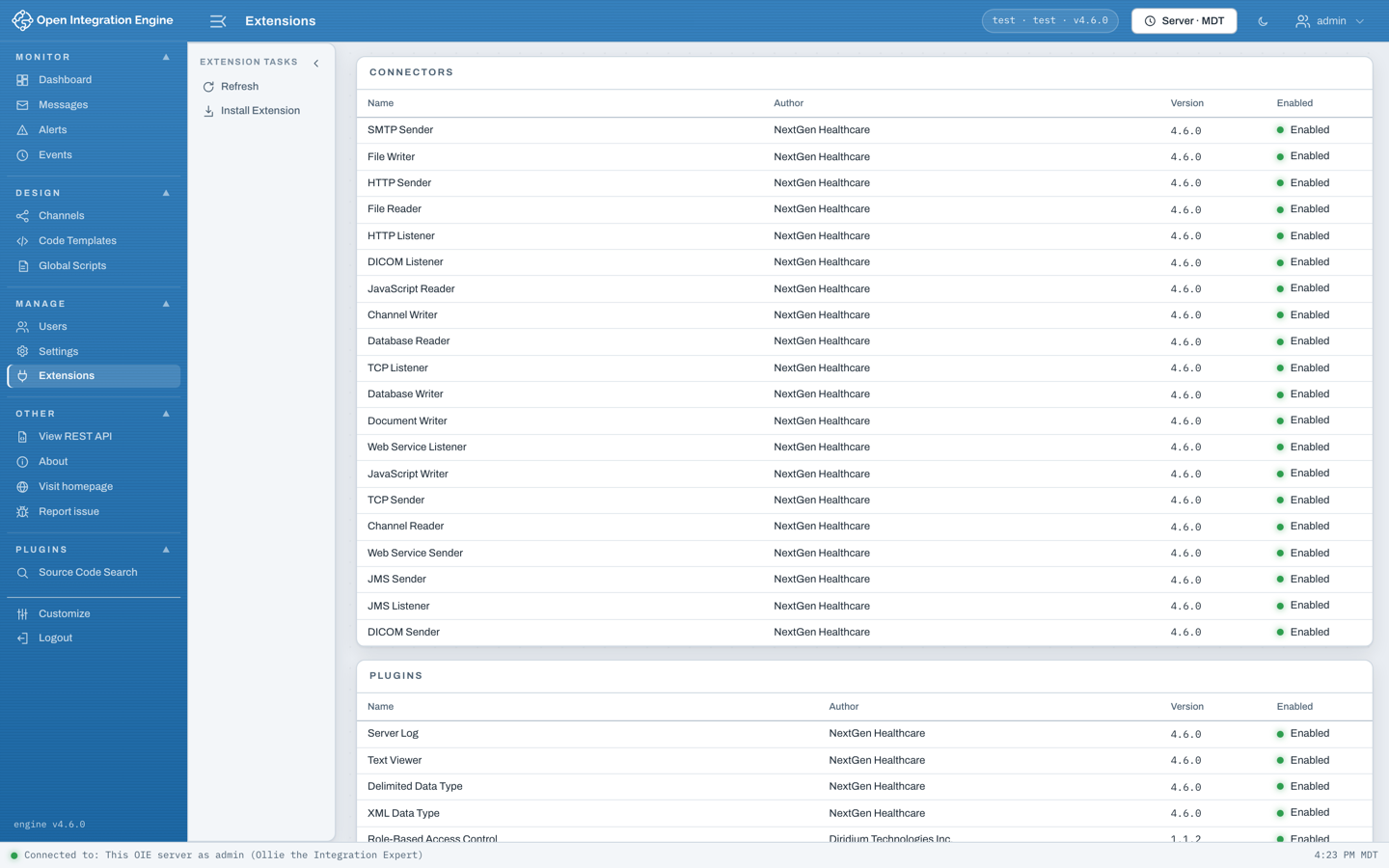
Sample screenshots
Dashboard, light and dark

How do I add web capabilities to my new or existing plugin?
The web administrator does not privilege its own features. The connectors, data types, transformer steps, attachment viewers, and dashboard tabs it ships with are all plugins, loaded through the same mechanism a plugin of yours uses. A plugin is a folder holding a manifest and a compiled React entry, dropped into a plugins directory and picked up on the next browser refresh.
If you already have an engine extension with a Swing panel, the engine half stays as it is and you write only the web UI, calling the REST endpoints you already have. Every Swing extension point has a web equivalent: dashboard tabs and columns, settings panels, channel tabs and tasks, transformer steps and filter rules, attachment viewers, connector panels, data types, transmission modes, resource types, and the authorization controller.
Read the plugin development guide